A computer is an electronic machine. It takes input, processes it by following instructions, gives output and stores the result. It works only with 0 and 1 (binary). This page covers the basics that Punjab Police SI and Constable papers ask again and again: parts of a computer, hardware and software, what happens inside the CPU, the five generations, programming languages and common full forms.
What a computer is and what it does
Five functions and eight qualities. Easy marks.
- InputYou enter data and instructions (keyboard, mouse).
- CPUProcessingThe CPU works on the data.
- OutputYou get the result (screen, printer).
- StorageData and results are saved for later.
| Function | What it means |
|---|---|
| Inputting | Entering data and instructions into the computer |
| Storing | Saving data and instructions so they are ready for processing |
| Processing | Doing arithmetic and logic work on the data |
| Outputting | Giving the result to the user |
| Controlling | Directing the order in which all the steps happen |
Modern digital computers store everything as 0s and 1s (binary). They decide with Boolean logic (true/false, AND, OR, NOT). They do not use continuous (analog) signals for their work.
Millions of steps each second. Measured in MIPS (Millions of Instructions Per Second).
Gives correct results if the input and program are correct.
Never gets tired or bored. Can do many kinds of work.
Stores data and gives it back whenever needed.
Cannot think for itself. It does nothing without instructions.
Installation is not a quality of a computer. It is a job you do on it.
- Where computers are used: banking (online transactions, fraud checks), ATM (Automated / Automatic Teller Machine), weather forecasting, gaming, and education (online learning platforms).
- A job done fully by hand, like laying bricks manually, is not a computer application.
Hardware, software and firmware
What you can touch, what you cannot, and the layers in between.
- UserYou.
- Application softwarePrograms for your work: word processor, browser, Photoshop.
- System softwareRuns the machine: operating system, drivers, translators.
- coreHardwareThe physical machine at the centre.
- Operating systems: Windows, Android, Linux
- Device drivers
- Language translators: compiler, interpreter, assembler (e.g. Java compiler)
- Its job: manage and control the hardware
- Word processors: MS Word, KWrite (Linux), Pages (Mac)
- Spreadsheets: Excel, Numbers (Mac)
- Presentation: PowerPoint, Keynote (Mac)
- Others: Microsoft Edge (browser), Adobe Photoshop, Zoom, Webex
Firmware is a program written permanently into a device's chip. It runs the basic work of that hardware, for example in a smartphone. It is made for that one device. BIOS (Basic Input Output System) is the firmware on a computer's motherboard. When you switch on, it checks the hardware and starts loading the operating system. This start-up is called booting.
| Part | Inside or peripheral? | Note |
|---|---|---|
| Mouse, keyboard, printer | Peripheral | Attached from outside to give input or take output |
| CPU, RAM, hard disk | Core parts | Processing chips, internal memory and storage |
| VGA card | Expansion card | Also called video / display card or graphics adapter. Makes the picture for the monitor. |
| NIC | Expansion card | Network Interface Card: connects to a network |
Inside the CPU
ALU, CU, registers and buses: the brain of the computer.
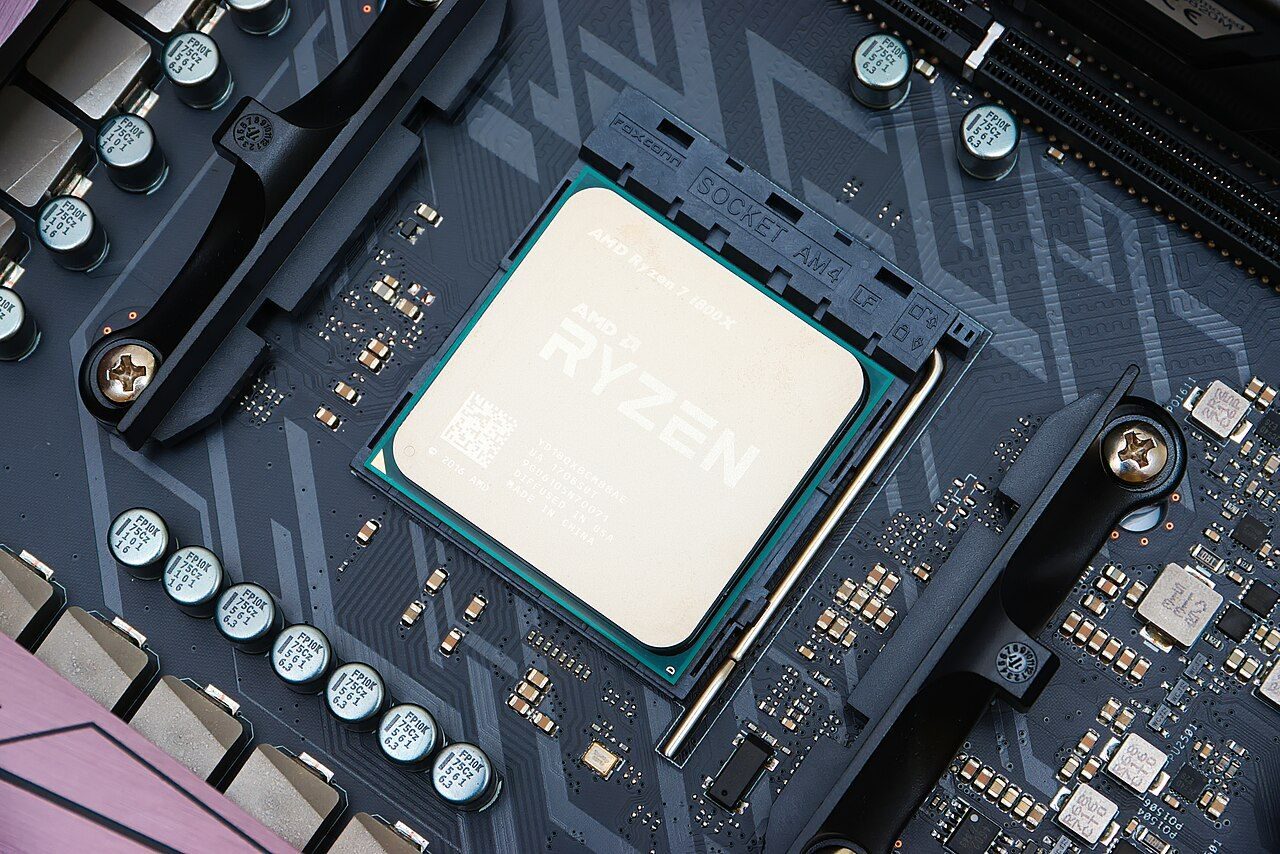
Does the sums (+ − × ÷) and the comparisons (greater, equal, AND/OR).
Manages and coordinates all other parts. Fetches and decodes each instruction.
Holds the data and instructions to be processed, and the intermediate results.
The CPU's main job is processing data, not input, output or long-term storage.
- FetchThe CU takes the next instruction from memory. The program counter tells it where.
- DecodeThe instruction sits in the instruction register and is understood.
- ExecuteThe ALU does the work.
- StoreThe result goes back to a register or memory.
| Register | What it holds |
|---|---|
| Program Counter (PC), also "program control register" | Address of the next instruction |
| Instruction Register (IR) | The instruction being executed now |
| Memory Address Register (MAR) | Address of the memory location being used |
| Memory Data / Buffer Register (MDR / MBR) | The data being read from or written to memory |
PC = Pointing to the Coming one (next instruction). IR = In Running (current instruction).
- 64-bit vs 32-bit: the big gain of a 64-bit processor is that it can directly use much more RAM. A 32-bit system is limited to about 4 GB.
- Multicore processor: one chip with two or more cores. It handles more work in parallel and runs many programs (threads) at the same time.
- Backward compatible: a new CPU that still understands all the instructions of the older CPU, plus some new ones.
- The CPU can be on one or more microchips called integrated circuits.
Before modern computers: the pioneers
Pascal, Babbage, Hollerith, von Neumann and the ENIAC.
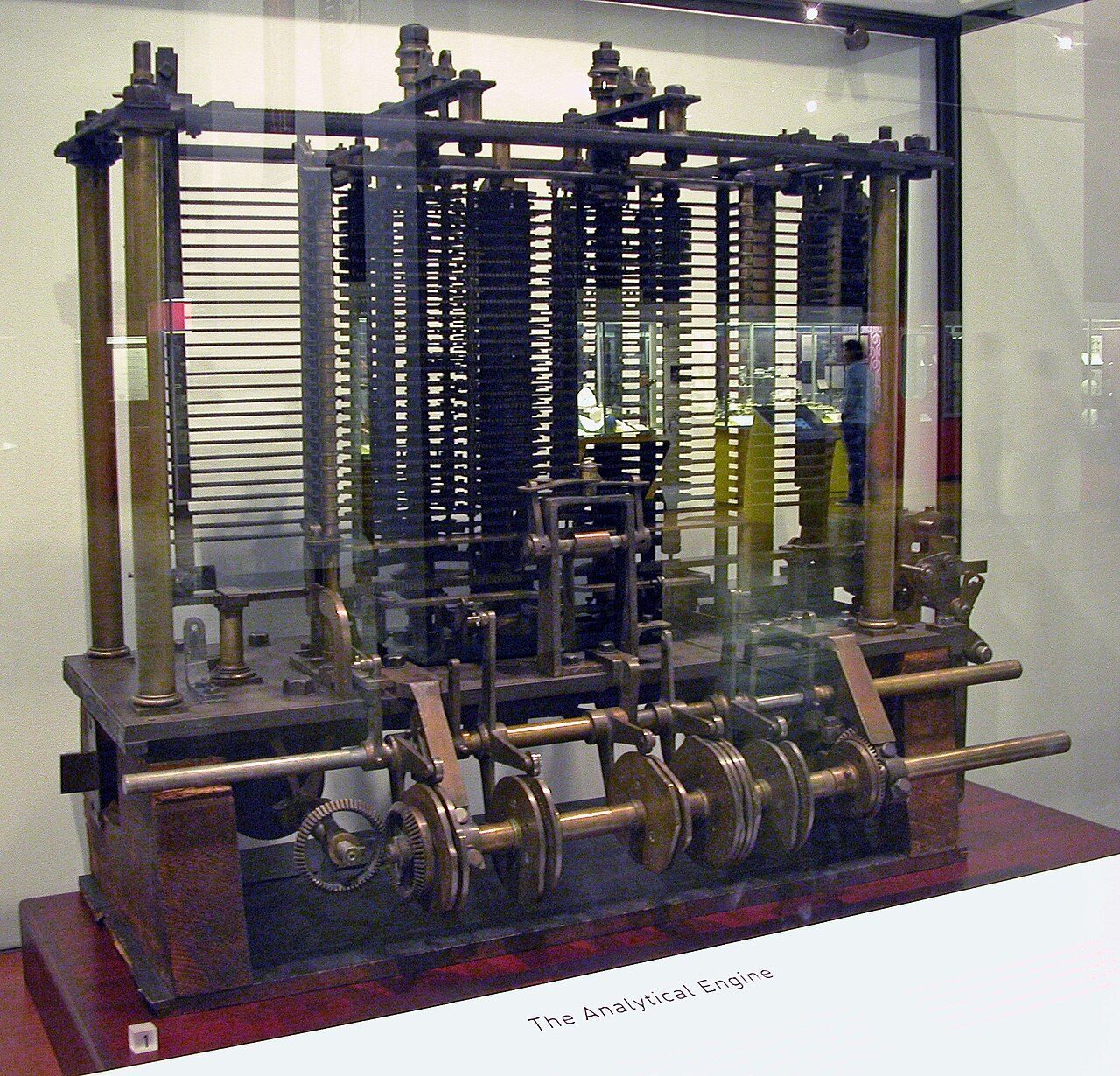
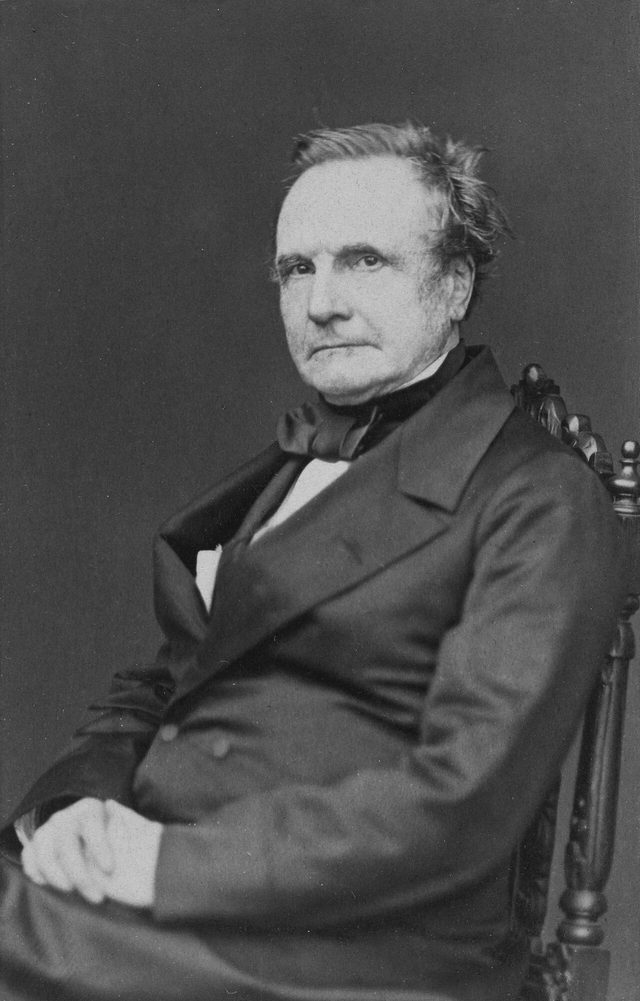
- Designed the Difference Engine and the Analytical Engine
- The Analytical Engine had the idea of a mill (processor) and a store (memory)
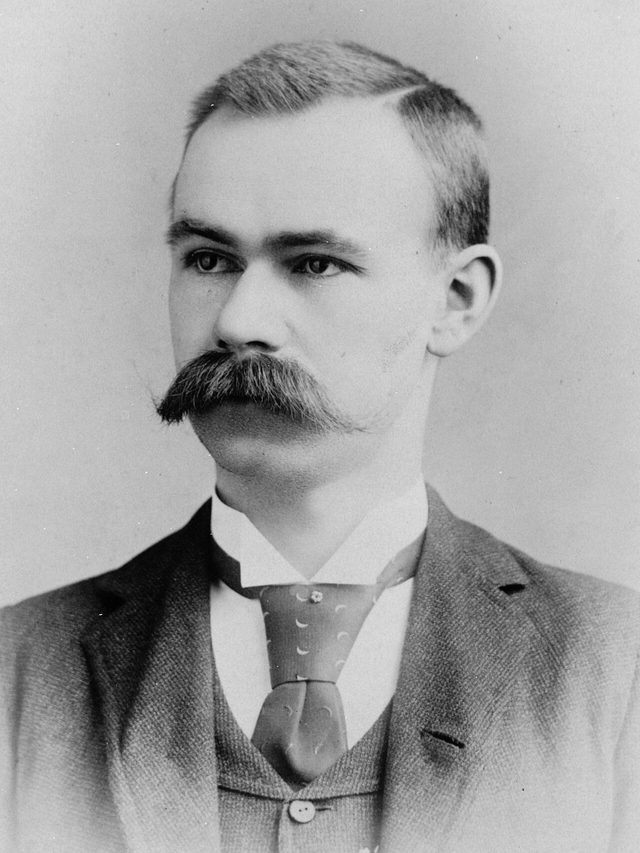
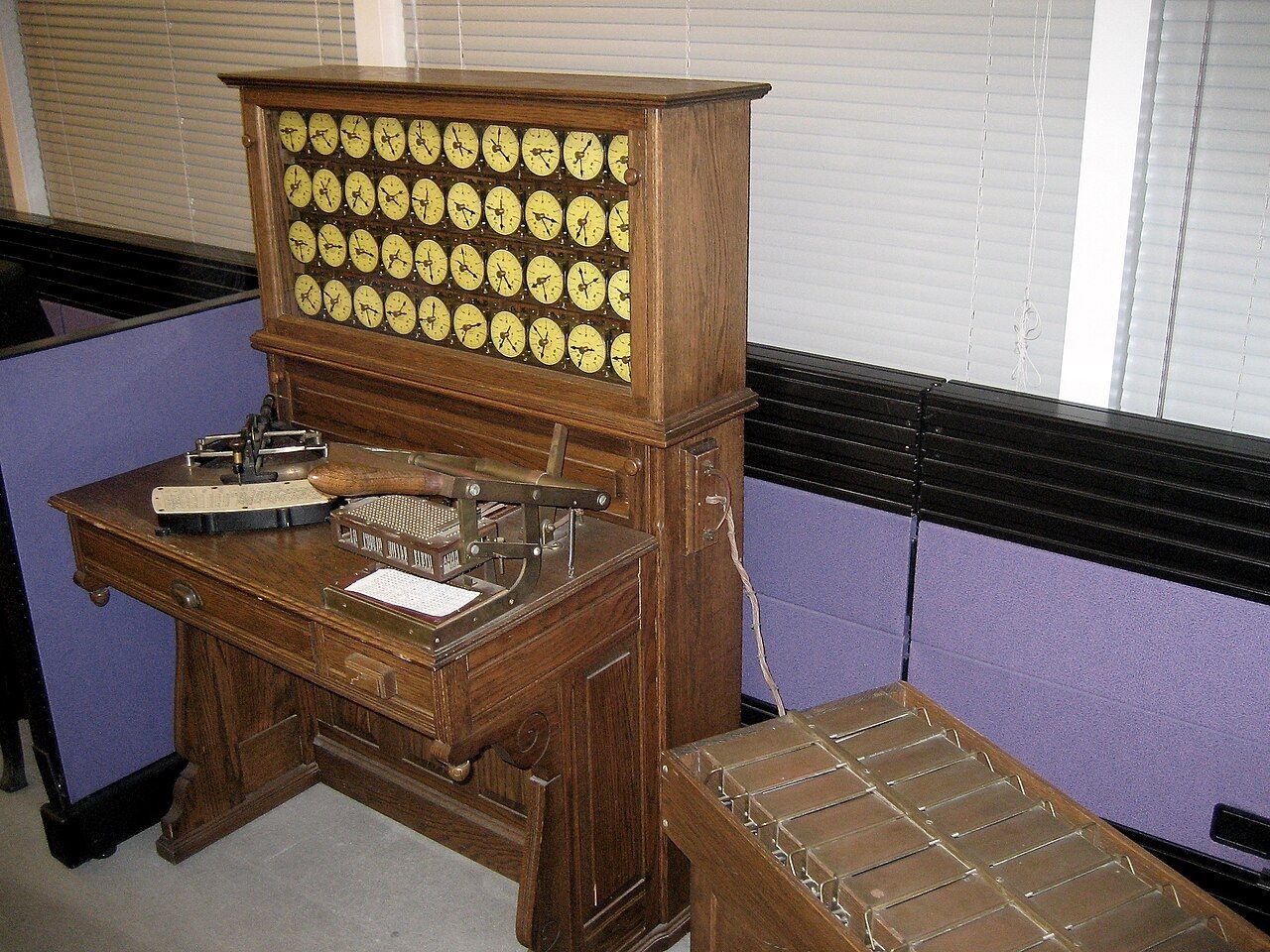
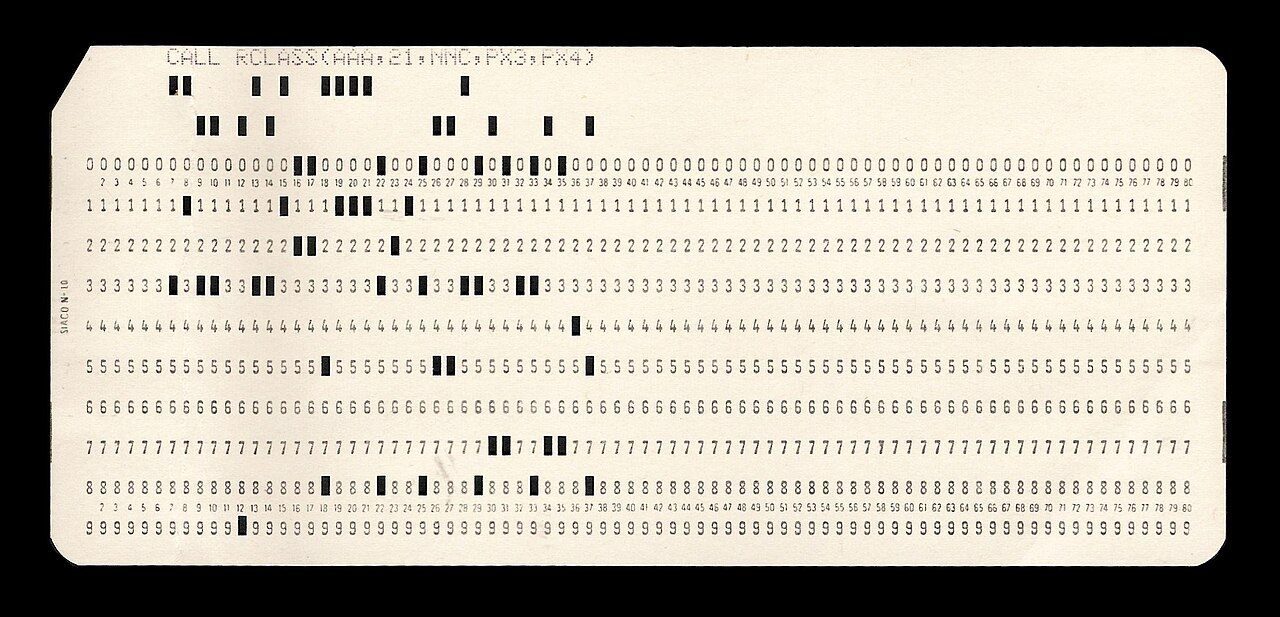
- His tabulating machine counted the 1890 US census
- Called the first step towards programming
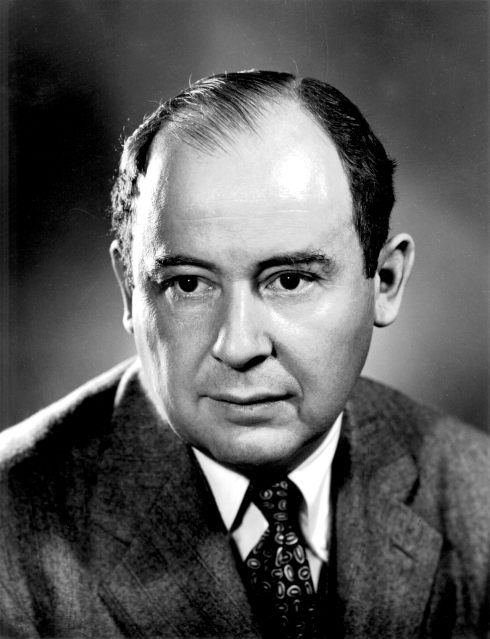
- Said one memory should hold both the data and the program (1945 report on the EDVAC)
- Most computers today still follow this "von Neumann" design
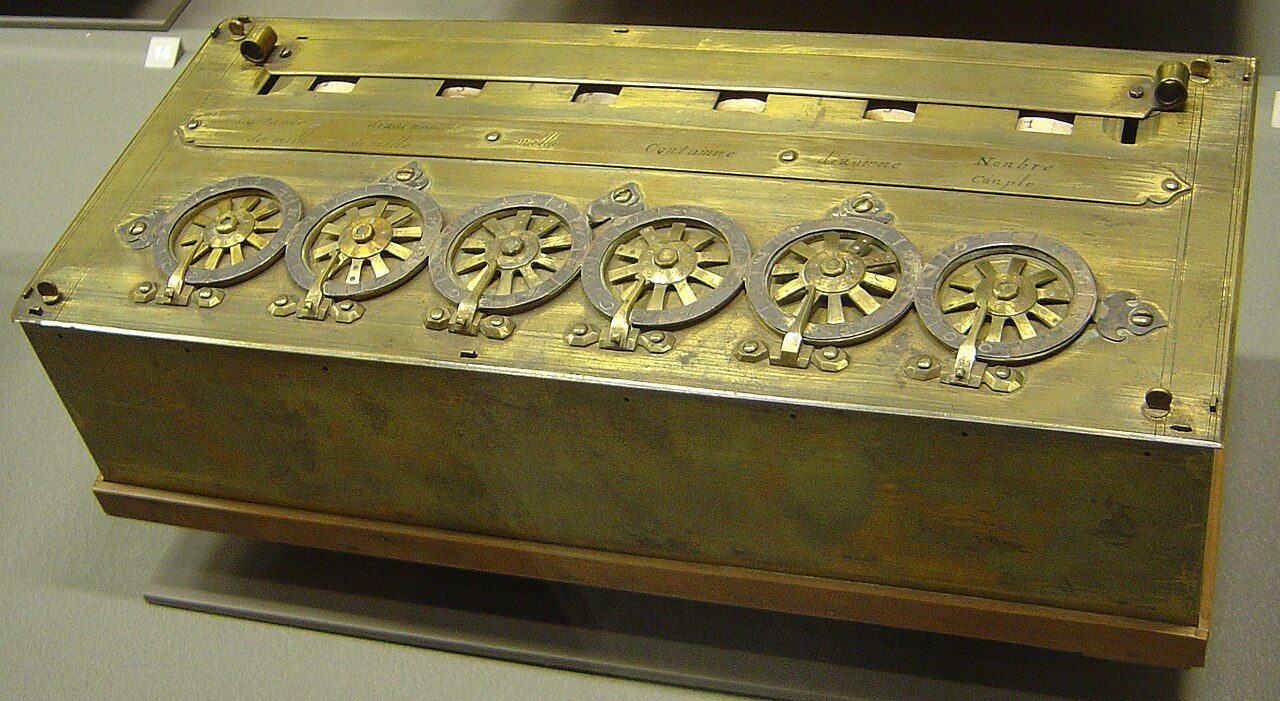
- 1642Pascaline
Blaise Pascal's mechanical adding machine.
- 1830sAnalytical Engine
Charles Babbage designs a general-purpose machine.
- 1890Tabulating machine
Hollerith's punched cards count the US census.
- 1945Stored-program idea
John von Neumann's report on the EDVAC.
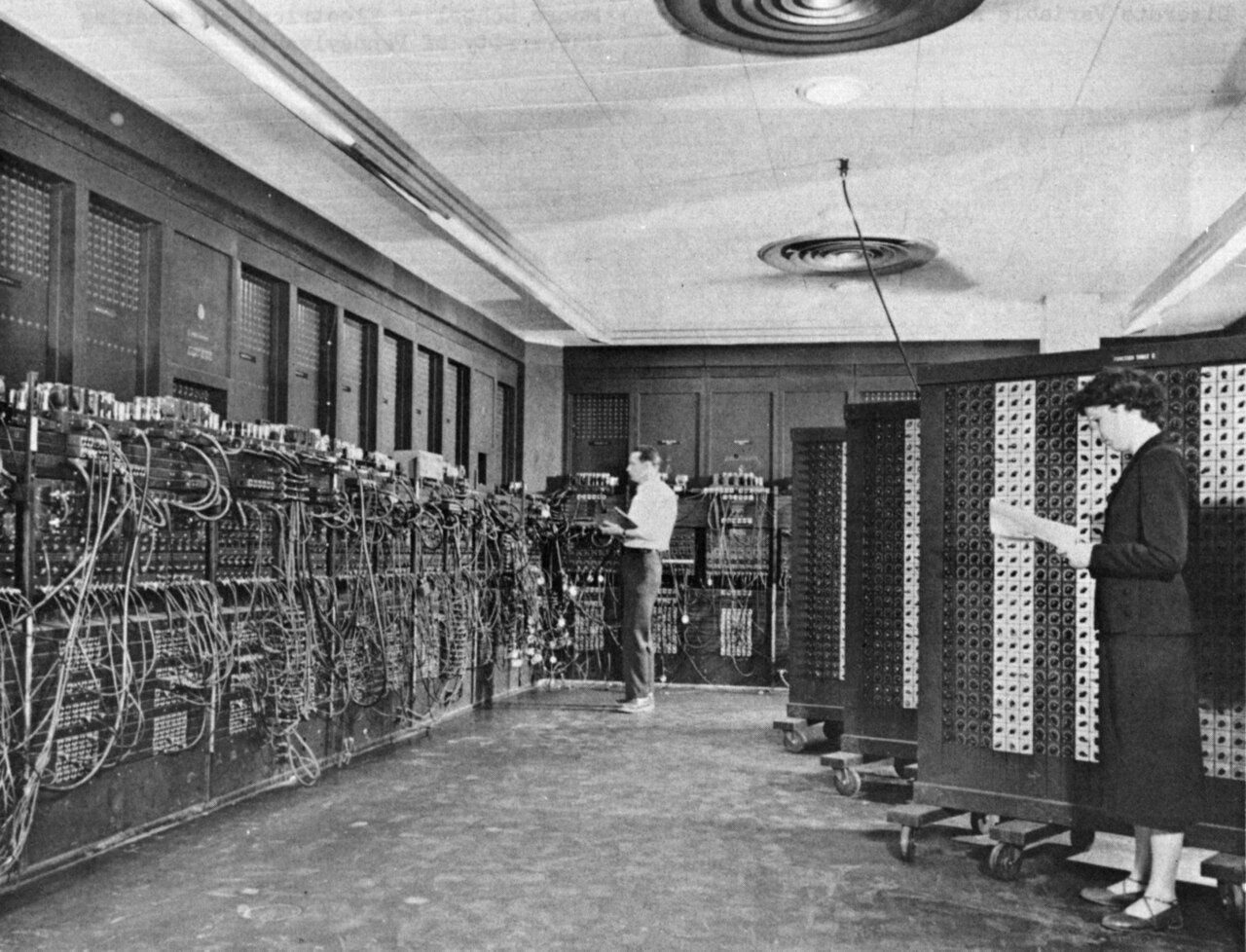
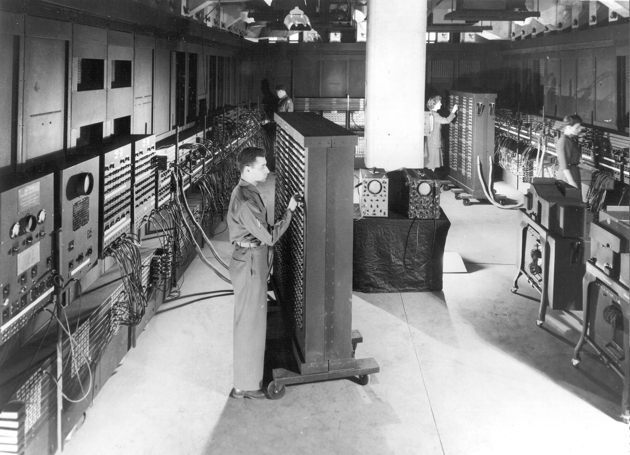
- 1946ENIAC
The famous vacuum-tube computer is shown to the public.
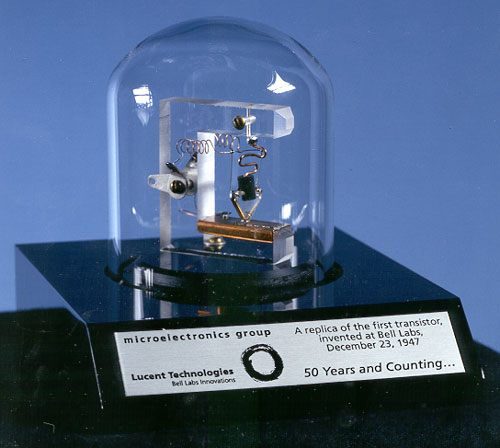
- 1947Transistor
Invented at Bell Labs, USA, from semiconductor material.
- 1971Intel 4004
An early single-chip microprocessor.
- 2007First iPhone
Apple introduces its first iPhone.
The five generations of computers
Each generation is named after the part that did the switching.
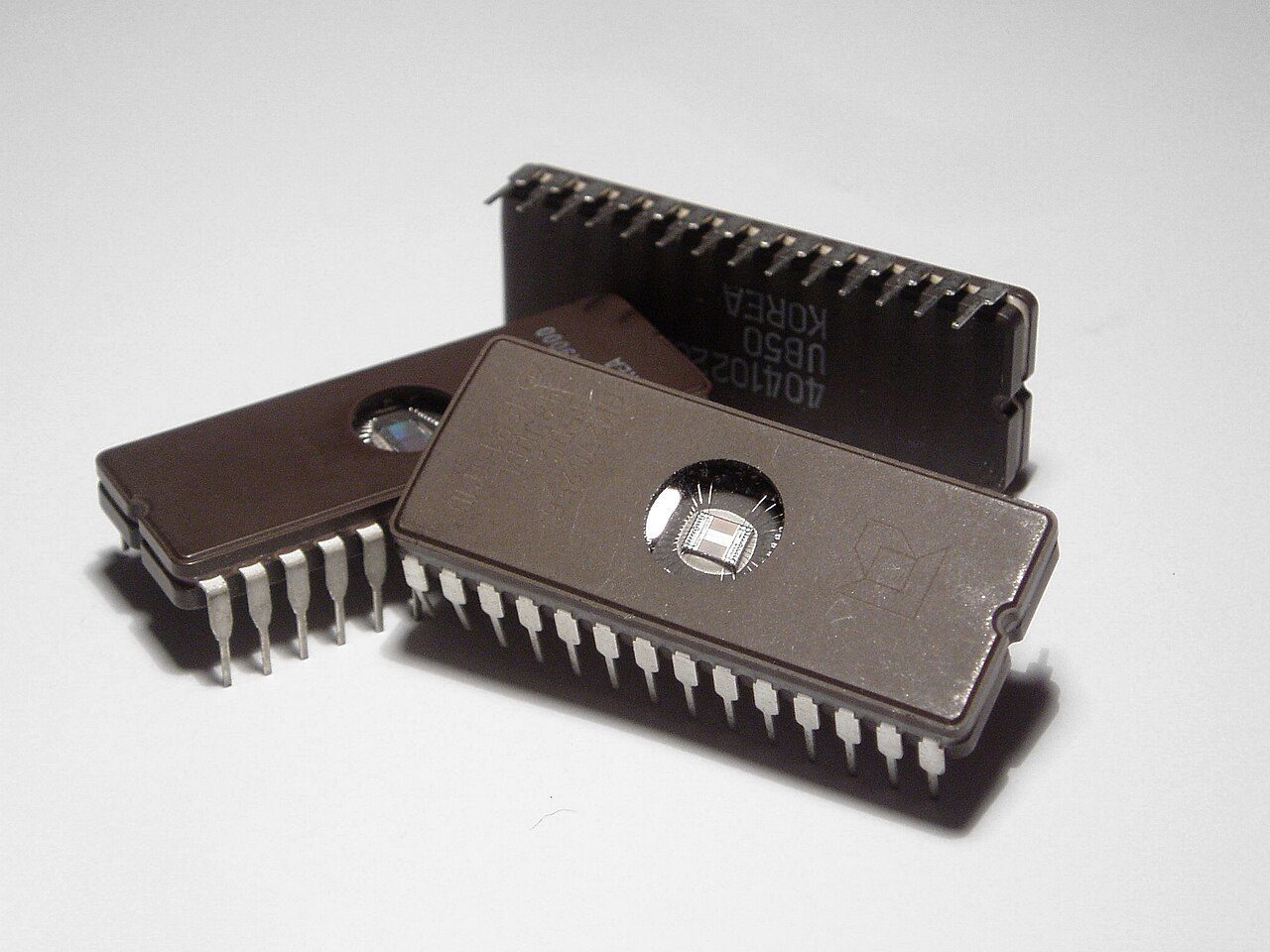
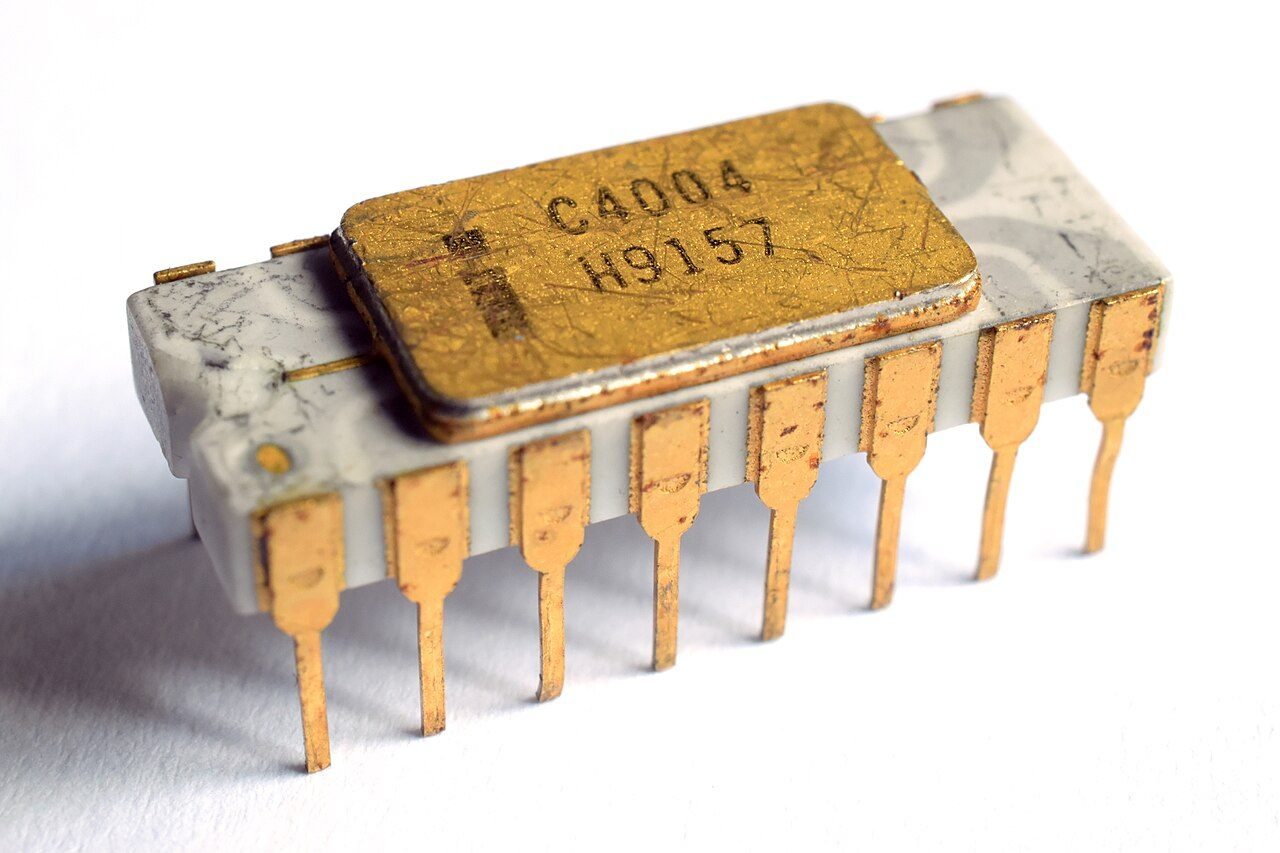
| Generation | About when | Main technology | Languages and other marks |
|---|---|---|---|
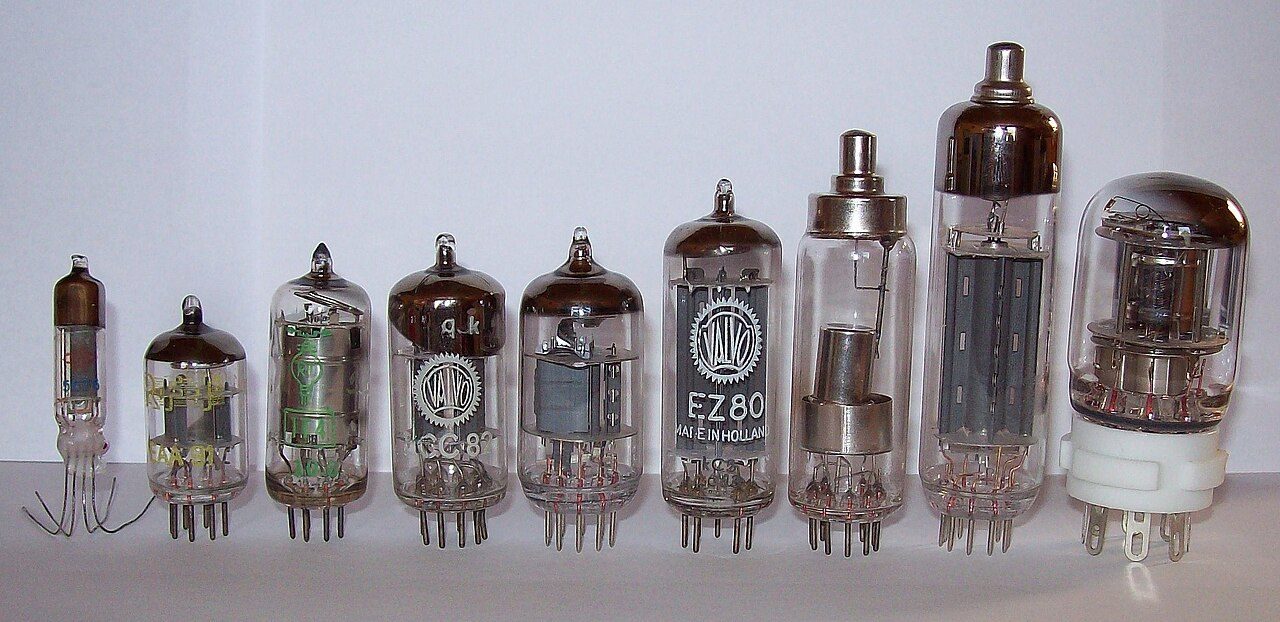
| First | 1940s–1956 | Vacuum tubes | Machine language. Punched cards and paper tape; magnetic tape use began. ENIAC, UNIVAC. |
| Second | 1956–1963 | Transistors | Assembly language and early high-level languages (FORTRAN, COBOL). |
| Third | 1964–1971 | Integrated circuits (IC) | High-level languages such as PL/1, PASCAL, BASIC. Keyboards, monitors, operating systems. |
| Fourth | 1971 onwards | Microprocessors (VLSI) | Personal computers, GUI, networks. |
| Fifth | Present and future | ULSI chips, artificial intelligence | ULSI puts about ten million parts on one chip. Voice and natural-language input. |
"Very Tall Indian Men Act" = Vacuum tube → Transistor → IC → Microprocessor → AI (ULSI).
- VLSI vs ULSI: VLSI (very large-scale) = 4th generation. ULSI (ultra large-scale) = 5th generation.
- The transistor was invented in 1947, but second-generation computers came later. Don't mark 1947 as the first generation.
- A microchip is an integrated circuit, not a single transistor or capacitor.
Programming languages and translators
From 0s and 1s to Python, and the flowchart symbols.
| Level | Written as | Translator needed |
|---|---|---|
| Machine (binary) language | Only 0s and 1s | None: the CPU understands it directly |
| Assembly language | Short codes like ADD, MOV | Assembler |
| High-level language | English-like words: C, Java, Python | Compiler or interpreter |
- Source program: the program as the programmer writes it, in a high-level language. The translator turns it into an object program in machine language.
- IDE (Integrated Development Environment): one software with a text editor, build tools and a debugger.
FORmula TRANslation. Made at IBM (1957) for scientific and number work.
Mainly used in statistical software.
The language most used in data science today.
A popular general-purpose object-oriented language (C with classes).
| Flowchart symbol | Used for |
|---|---|
| Oval | Start / end |
| Parallelogram | Input / output |
| Rectangle | A process or step |
| Diamond | A decision (Yes / No) |
| Arrows | Direction of flow |
Types of computers, interfaces and codes
PC to supercomputer, CLI to voice, and ASCII.
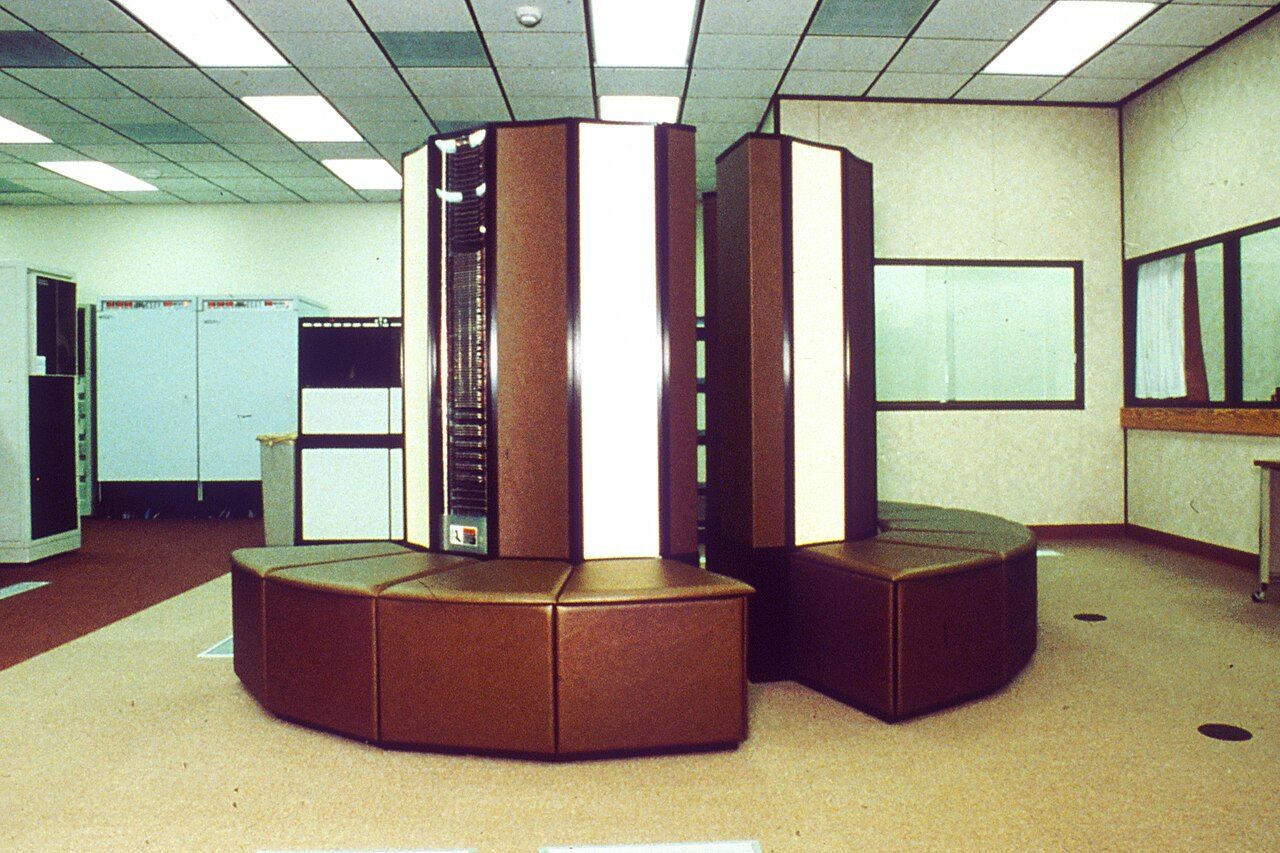
| Type | In simple words |
|---|---|
| Personal computer (PC) | Single-user, with a moderately powerful microprocessor |
| Mini computer | Serves several users at once; smaller than a mainframe |
| Mainframe | Large machine for hundreds of users, e.g. banks |
| Supercomputer | Fastest; heavy science work |
American Standard Code for Information Interchange. A 7-bit code, so it has 2⁷ = 128 codes (0–127). It gives a number to each letter, digit, punctuation mark and control character.
Quick revision
Full forms, traps and one-line facts.
- CPU
- Central Processing Unit
- ALU
- Arithmetic Logic Unit
- ENIAC
- Electronic Numerical Integrator And Computer
- BIOS
- Basic Input Output System
- GUI
- Graphical User Interface
- ASCII
- American Standard Code for Information Interchange
- MIPS
- Millions of Instructions Per Second
- IDE
- Integrated Development Environment
- ATM
- Automated / Automatic Teller Machine
- DLP (3D printing)
- Digital Light Processing
- IMEI
- International Mobile Equipment Identity
- ULSI
- Ultra Large-Scale Integration
- PC vs IR: PC = address of the next instruction; IR = the current instruction.
- Android is system software (an operating system), not an app.
- A compiler is system software; a word processor is not.
- Mouse is a peripheral; CPU, RAM and hard disk are core parts.
- Monitor size does not change computer speed.
Also asked onceTap to open
- Apple introduced its first iPhone in 2007.
- Dial *#06# to see your phone's IMEI number (15 digits).
- .AU is a basic audio file type supported by Windows. (.GIF is an image, .BAT is a batch file.)
- KWrite is a text / word-processing program on Linux (KDE).
- DLP in 3D printing = Digital Light Processing.
- Both are true: operating systems and device drivers are system software, and system software manages and controls hardware.
Name the three parts of the CPU and say what each does in one line.
Show answer
ALU does arithmetic and logic. CU controls and coordinates all parts. The memory unit holds data, instructions and intermediate results.