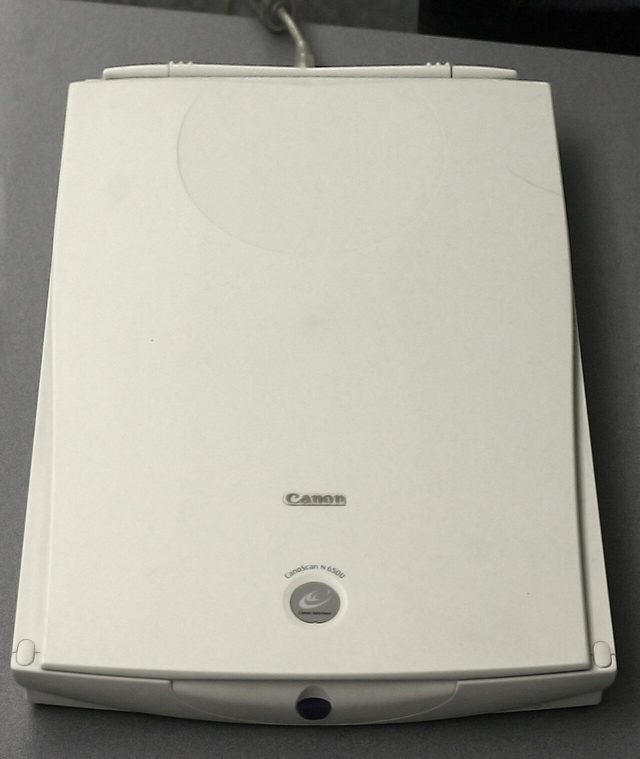
A computer needs a way to take things in and a way to give results back. Input devices carry data and instructions into the computer, like a keyboard, mouse or scanner. Output devices bring results out in a form people can use, like a monitor, printer or speaker. Some devices, like a touchscreen, do both. Devices attached from outside are called peripherals. Punjab Police papers ask to sort devices into these groups, and about printers, OCR, OMR and MICR.
Input, output, or both?
The one question behind half the papers.
- inInput unitTakes data from the outside world into the computer.
- CPU and memoryProcess the data in machine form (0s and 1s).
- outOutput unitGives results to the outside world in a human-acceptable form.
| Input only | Output only | Both input and output |
|---|---|---|
| Keyboard, mouse, trackball, joystick | Monitor (VDT / VDU) | Touchscreen |
| Scanner, barcode reader, OCR, OMR, MICR | Printer, plotter | Headset with a microphone |
| Microphone, webcam, camera | Projector, speaker | — |
| Light pen, touchpad, fingerprint scanner | Headphones | — |
Universal Serial Bus. Connects keyboards, mice, printers and pen drives.
Carries video and sound to a monitor, TV or projector.
Short-range radio link for wireless mice, keyboards and headsets.
Each device also needs a small program called a device driver so the operating system can use it.
Keyboard, mouse and other pointing devices
Key groups, mouse actions, joystick and light pen.
| Key group | Keys |
|---|---|
| Typing (alphanumeric) | Letters, numbers, Space, Enter, Backspace |
| Control keys | Ctrl, Alt, Esc, Windows key |
| Function keys | F1 to F12 (F1 = Help in most programs; F2 = Rename in File Explorer) |
| Navigation keys | Arrow keys, Home, End, Page Up, Page Down |
| Toggle keys | Caps Lock, Num Lock, Scroll Lock (press once on, once off) |
| Numeric keypad | The calculator-style block on the right |
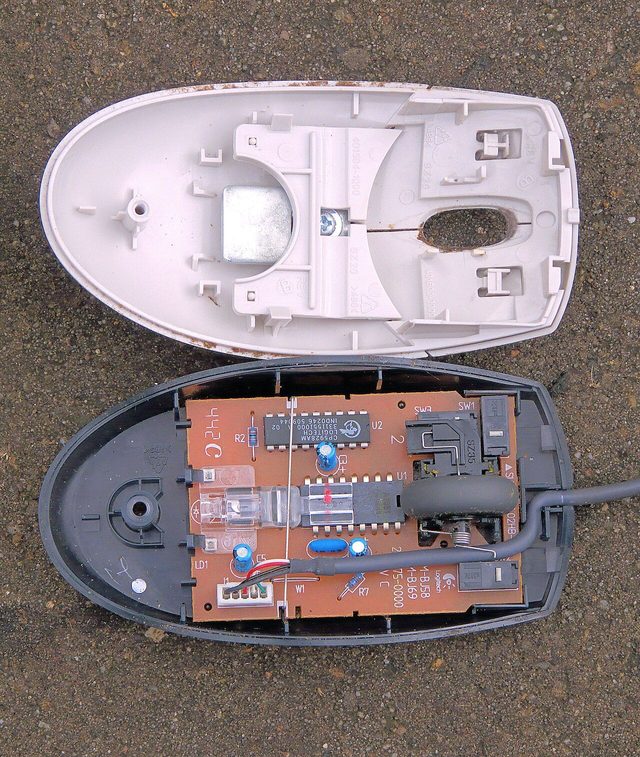
| Mouse action | What it does |
|---|---|
| Click (left, once) | Selects an item |
| Double click | Opens a file, folder or program |
| Right click | Opens the shortcut (context) menu |
| Drag and drop | Hold the button, move, then release to move an item |
| Scroll | Turn the wheel to move up or down a page |
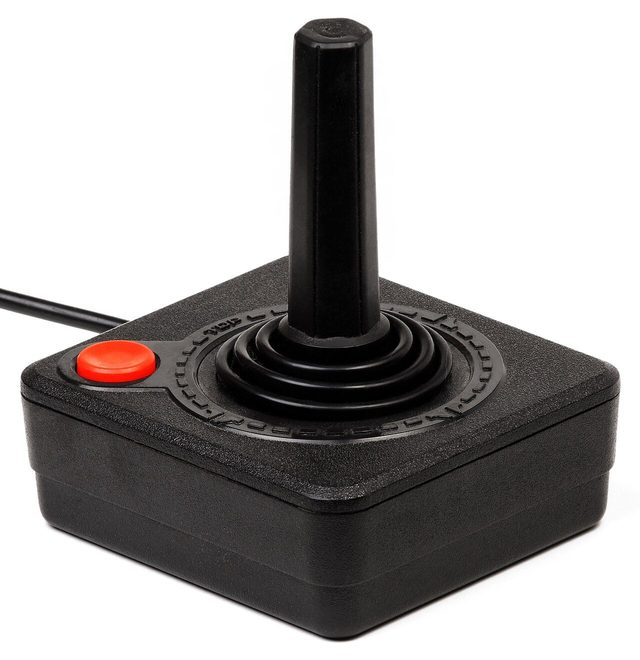
The most popular point-and-draw device on desktops. Invented by Douglas Engelbart in the 1960s.
Like an upside-down mouse. You roll the ball with your thumb or fingers.
A flat pad that follows your finger.
A pen and pad for drawing and handwriting.
Scanners and reading machines: OCR, OMR, MICR, barcodes
Devices that read paper, marks, ink, bars and voices.
A scanner shines light on a page and records it as a grid of dots (pixels). So a scanned document is stored as an image, not as editable text. To turn that image into text you can edit, you need OCR software.
| Device | Full form | What it reads / where used |
|---|---|---|
| OCR | Optical Character Recognition | Printed or typed letters → editable text |
| OMR | Optical Mark Recognition (Reader) | Filled bubbles on answer sheets and forms |
| MICR | Magnetic Ink Character Recognition | Magnetic-ink numbers on bank cheques |
| Barcode reader | — | Black-and-white bars on products, at billing counters |
| QR code scanner | Quick Response code | Square 2-D codes, e.g. UPI payments by phone camera |
| Biometric scanner | — | Fingerprint, face or iris, e.g. attendance machines |
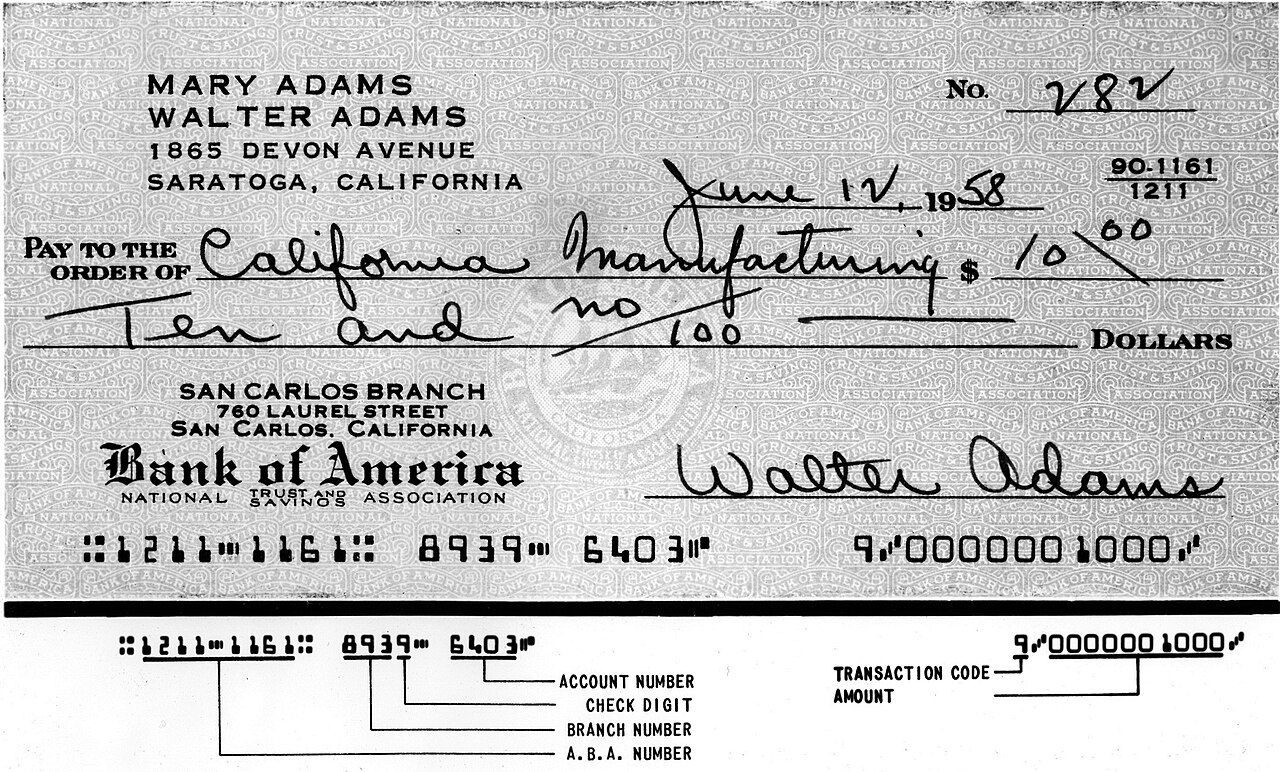
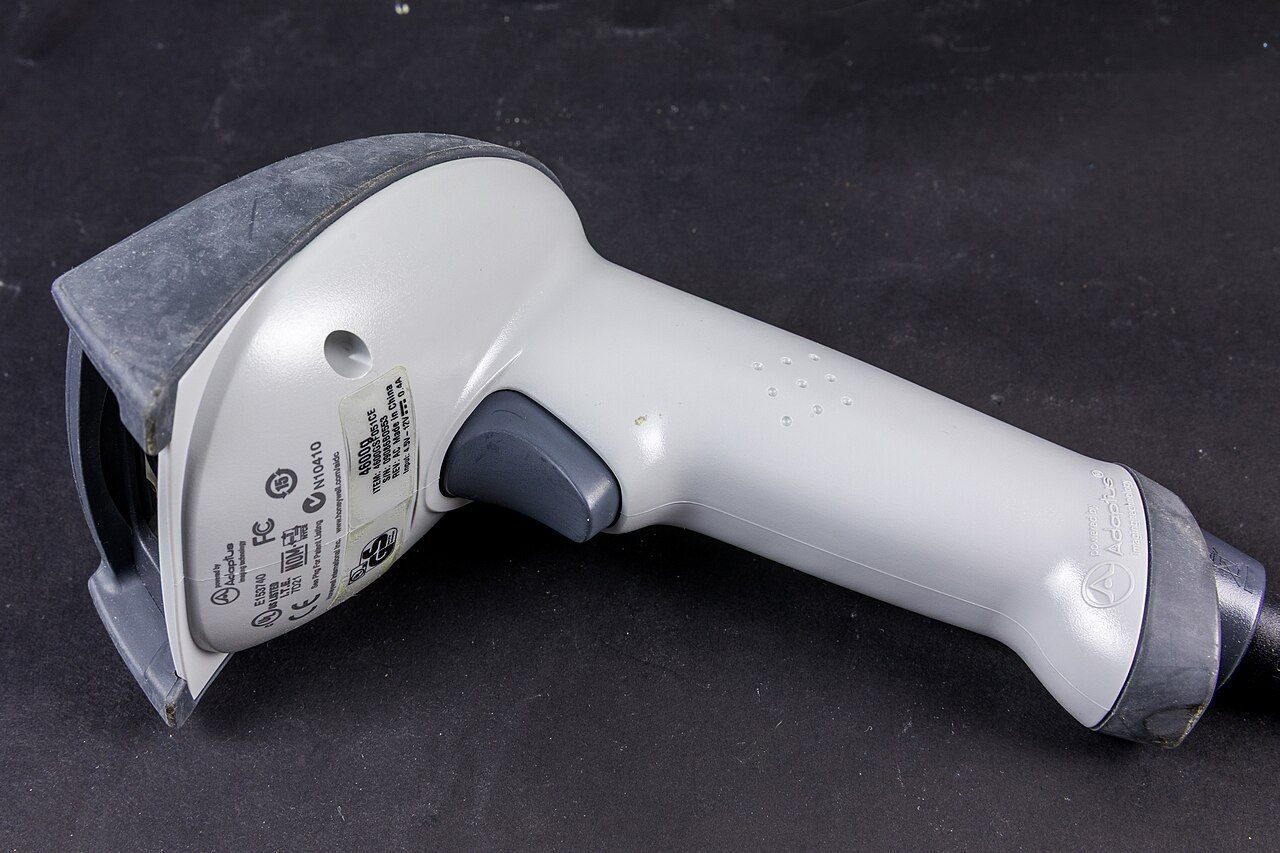
- Microphone: takes sound in. Speech recognition takes audio (your voice) as input and turns it into text or commands.
- Webcam / digital camera: take pictures and video in.
Monitors, projectors and speakers
Output you see or hear: soft copy.
The monitor is the main output device. It is also called a VDT (Video Display Terminal) or VDU (Visual Display Unit). The picture is made of tiny dots called pixels. More pixels (higher resolution, like 1920 × 1080) means a sharper picture.
Throws the screen image onto a wall for a whole room. The most common presentation equipment.
Turn the computer's signal into sound.
A display that also senses touch. It is an input device too.
Microphone, camera and OCR bring data in. The projector is the output device among them.
Printers and plotters: hard copy
Impact vs non-impact, and every printer the papers name.
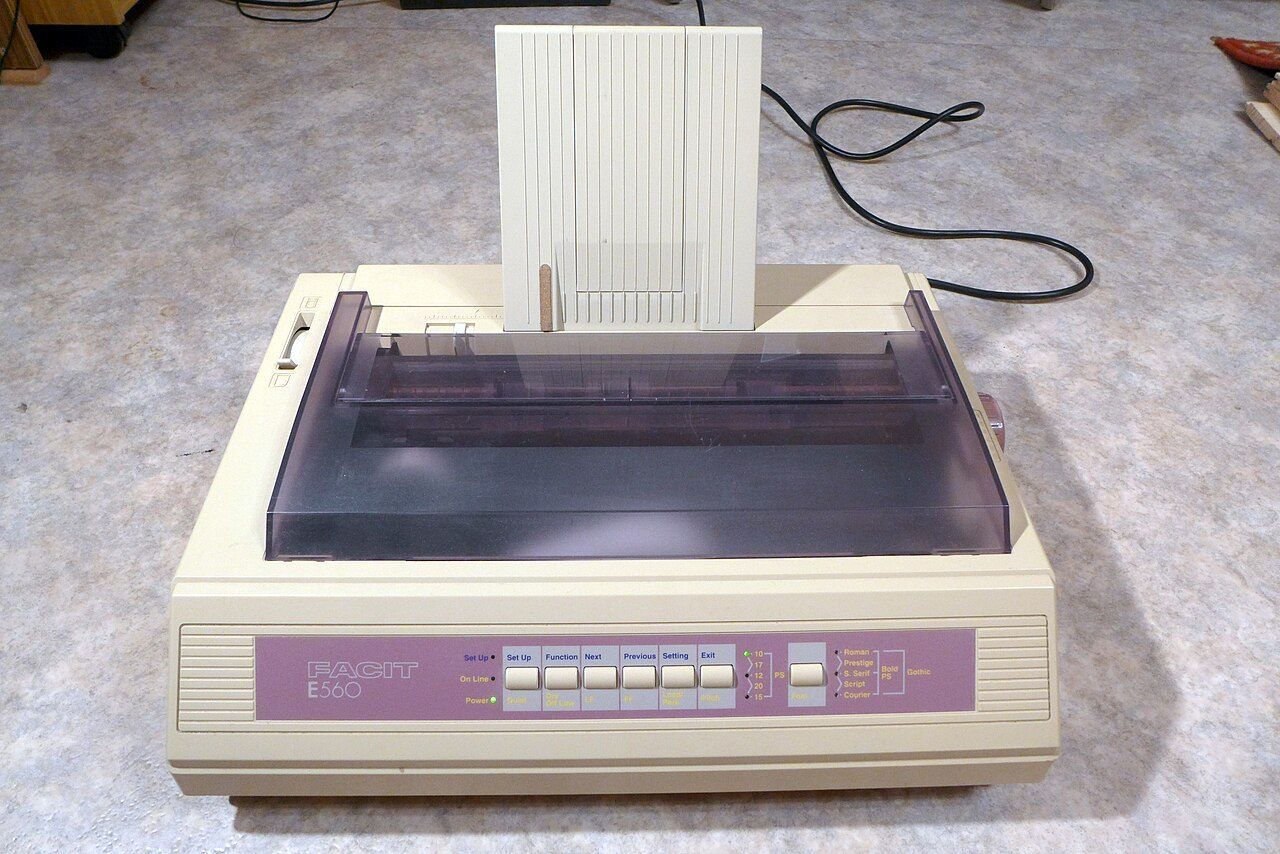
- Dot matrix: character printer, pins and ribbon
- Daisy wheel: character printer, a wheel of letters
- Drum and chain printers: line printers, a whole line at a time
- Noisy, but can print carbon copies
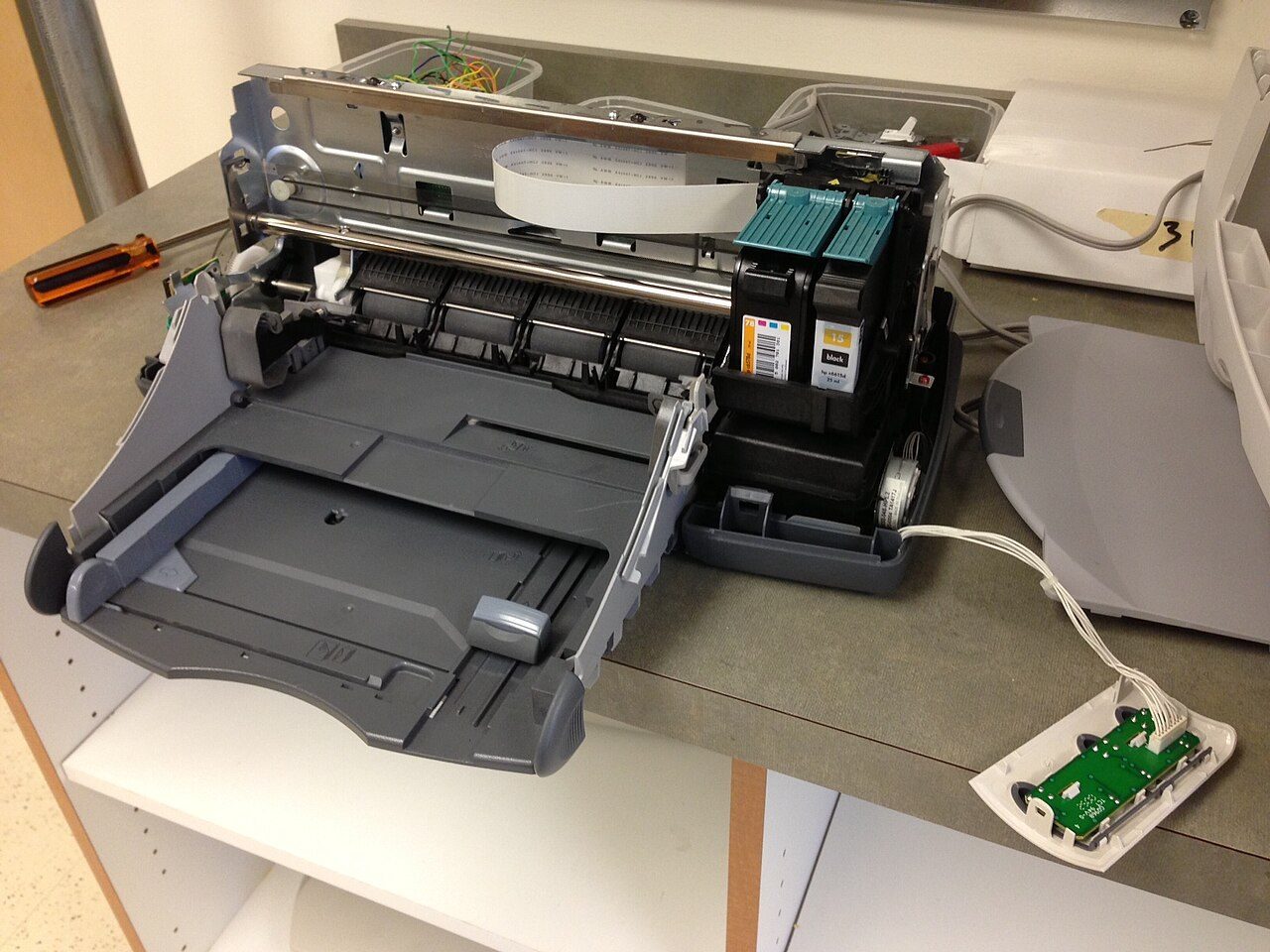
- Inkjet: sprays tiny drops of ink
- Laser: page printer; uses toner and a drum, like a photocopier
- Thermal: heat on special paper, e.g. shop receipts
- Quiet, good for graphics; cannot make carbon copies
| Printer | Prints | Speed measured in |
|---|---|---|
| Character printer (dot matrix, daisy wheel) | One character at a time | cps: characters per second |
| Line printer (drum, chain) | One line at a time | lpm: lines per minute |
| Page printer (laser) | A whole page at a time | ppm: pages per minute |
A plotter is an output device for large drawings: building plans, engineering designs, maps and big charts. It gives hard copy, like a printer, but on very large sheets.
Quick revision
Full forms, traps and one-line facts.
- OCR
- Optical Character Recognition
- OMR
- Optical Mark Recognition
- MICR
- Magnetic Ink Character Recognition
- VDT
- Video Display Terminal
- VDU
- Visual Display Unit
- CRT
- Cathode Ray Tube
- LCD
- Liquid Crystal Display
- LED
- Light Emitting Diode
- USB
- Universal Serial Bus
- HDMI
- High-Definition Multimedia Interface
- QR code
- Quick Response code
- cps / ppm
- Characters per second / Pages per minute
- Touchscreen = both input and output. A plain monitor is output only.
- Projector = output only. OCR, OMR, scanner, microphone, camera = input.
- Dot matrix is IMPACT, even though it prints dots.
- F1–F12 are function keys, not control keys.
- A scanned page is an image until OCR turns it into text.
Also asked onceTap to open
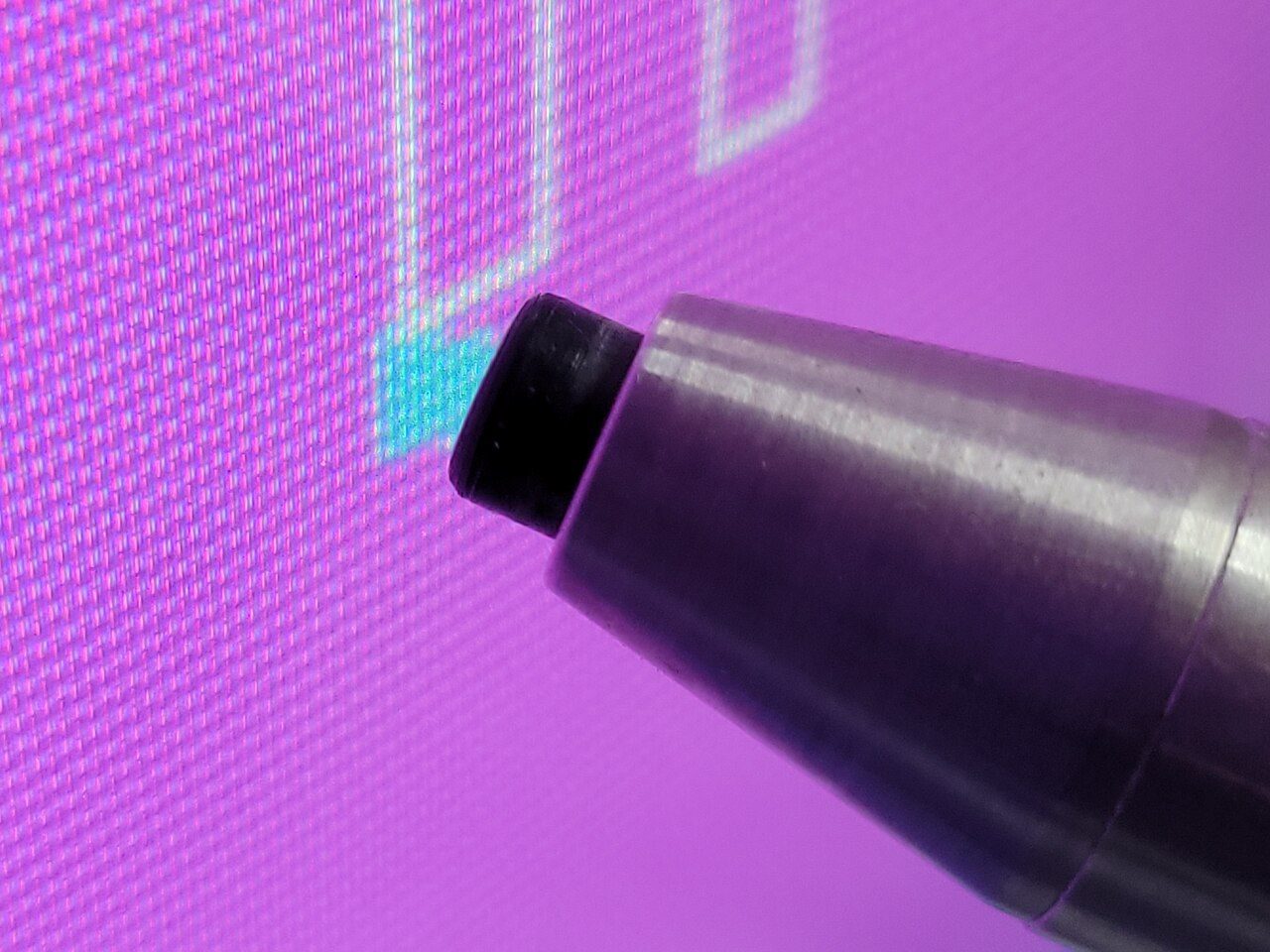
- A light pen uses a light-sensitive detector to choose objects on a display screen.
- Both double click and right click are ways of entering instructions through the mouse.
- Among microphone, camera, projector and OCR, the projector is the output device.
- Among printer, projector, speaker and touch screen, the touch screen is the input device.
- Memory-mapped I/O: devices share the same addresses as main memory, so its main drawback is less address space for main memory. The other way, separate I/O ports, keeps device addresses apart.
Sort these into input, output or both: scanner, plotter, touchscreen, MICR, projector, microphone.
Show answer
Input: scanner, MICR, microphone. Output: plotter, projector. Both: touchscreen.