The Internet is a huge network of computers joined together. The World Wide Web (WWW) is a service that runs on it: billions of linked pages that you open in a web browser. You find pages with a search engine and reach them with an address called a URL. This page covers what Punjab Police SI and Constable papers ask about the web, browsers, search engines, URLs, instant messaging and VoIP.
The Internet and the World Wide Web
They are not the same thing. Learn the difference first.
| Word | Meaning in one line |
|---|---|
| Web page | One document on the WWW, viewed in a browser |
| Website | A group of web pages under one domain name |
| Home page | The first or main page of a website |
| Web server | The computer that stores pages and delivers them to clients |
| Web browser | The software you use to open and move around the web |
| Hypertext / hyperlink | Text with links; a link is one click that opens another page |
- IWeb clientUsually your browser. It asks for a page.
- IIINetworkCarries the request and the reply.
- IIWeb serverFinds the page and sends it back.
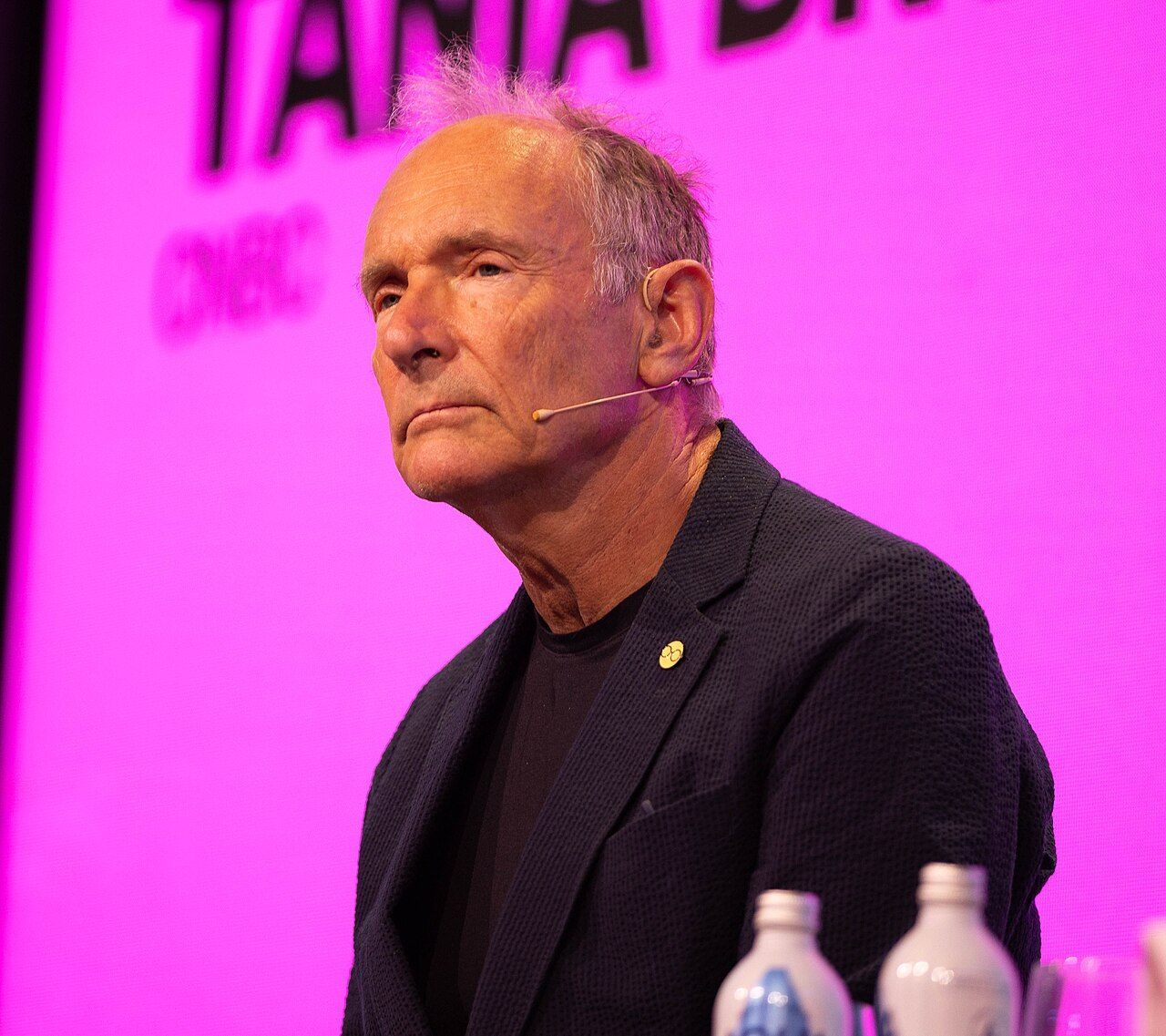
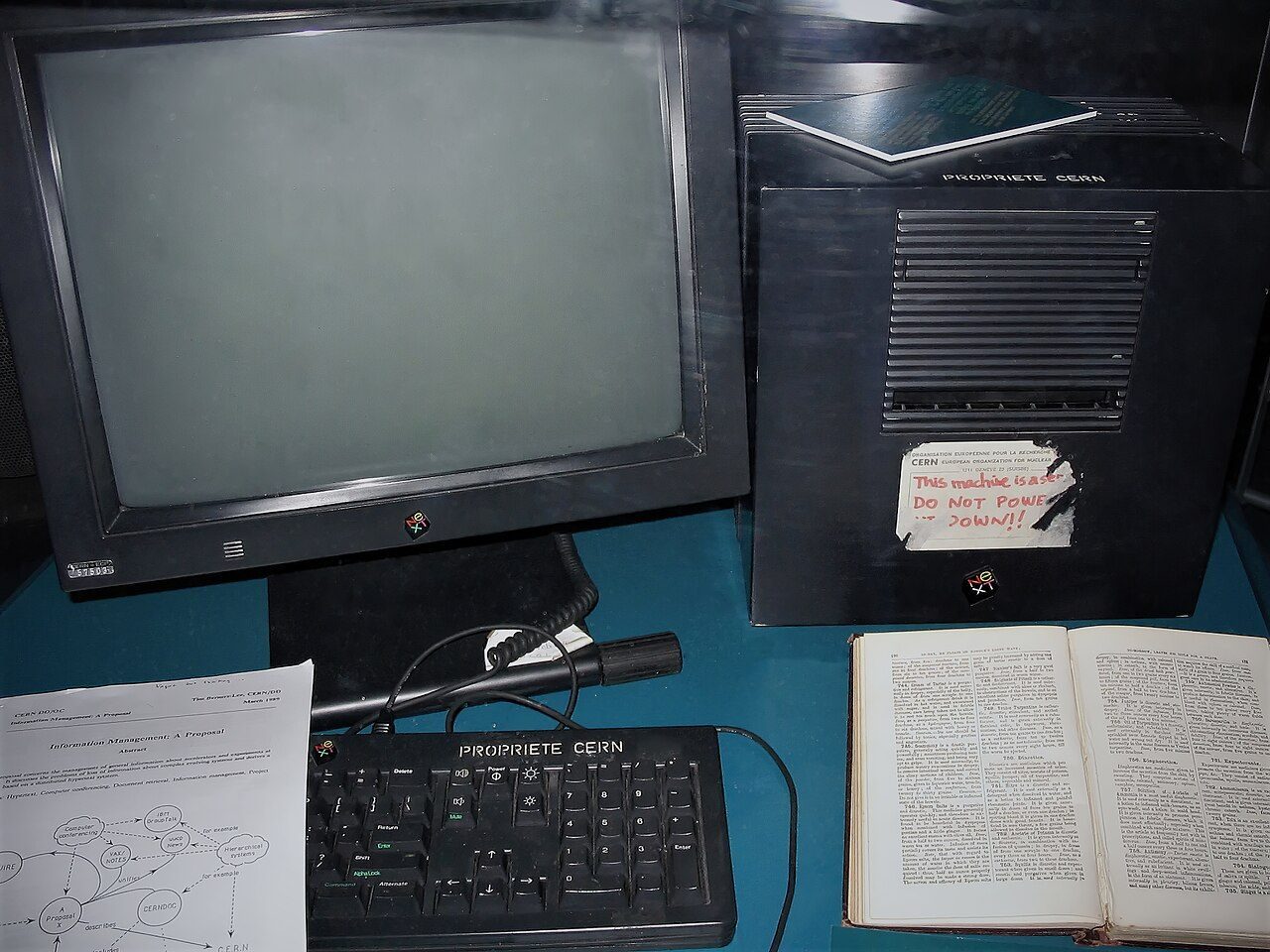
- British scientist. Proposed the web at CERN (Europe's physics lab near Geneva) in 1989
- Built its three basics: HTML, URL and HTTP, plus the first browser and the first web server
- The first website went online in 1991
A static page shows the same thing to everyone. A dynamic page changes, for example your inbox or a live score. Small programs called scripts make this happen. This is called web scripting. JavaScript is the best-known example.
Web addresses: URL, HTTP, domain names and DNS
How the browser knows where a page lives.
A URL is the full address of a page or file on the web. It tells the browser how to fetch it (the protocol) and where it is (the domain and the path). The word is Uniform, not "Universal".
| Part of the URL | Example | What it tells |
|---|---|---|
| Protocol (scheme) | https:// | The rules used to fetch the page |
| Domain name | www.example.com | The website's name, easy for people to remember |
| Top-level domain (TLD) | .com | The last part of the domain name |
| Path | /notes/index.html | The exact page or file on that site |
Commercial: companies and businesses.
Organisations, often non-profit.
Government websites.
Education: schools and universities.
Country code for India.
- You type the URLIn the browser's address bar.
- DNSDNS finds the IP addressThe Domain Name System turns the name into a number such as 142.250.x.x.
- Browser sends an HTTP requestTo the web server at that IP address.
- Server sends the pageThe browser shows it on your screen.
- HTML (HyperText Markup Language) is the language in which web pages are written.
- An email address is not a URL. It has the shape username@domain, like smithk@gmail.com. A URL starts with a protocol, like http://.
- A path like D:\Email\Standard is a folder on your own computer, not a web address.
Web browsers and who made them
From Mosaic in 1993 to Edge in 2015. Years and makers are asked often.
A web browser is a software program that lets you open and navigate the World Wide Web. It asks servers for pages, shows them, and gives you an address bar, back/forward buttons and bookmarks. You also reach a search engine through a browser.

- Wrote Mosaic with Eric Bina at NCSA (National Center for Supercomputing Applications), USA, in 1993
- Mosaic was the first popular graphical browser: pictures appeared with the text
- Then co-founded Netscape, maker of the Netscape Navigator browser
- 1990WorldWideWeb
Tim Berners-Lee's first browser, at CERN.
- 1993Mosaic
NCSA's graphical browser that made the web popular.
- 1994Netscape Navigator
The leading browser of the mid-1990s.
- 1995Internet Explorer, Opera
Microsoft's IE; Opera from Norway.
- 2003Safari
Apple's browser, the default on Mac computers.
- 2004Mozilla Firefox
Open-source browser of the Mozilla Foundation.
- 2008Google Chrome
Google's browser.
- 2015Microsoft Edge
Came with Windows 10 and replaced Internet Explorer.
| Browser | Made by | Remember |
|---|---|---|
| Chrome | Most used browser today | |
| Edge | Microsoft | Comes by default with Windows 10 and later |
| Firefox | Mozilla | Open source: anyone can read and change its code |
| Safari | Apple | Built into macOS and the iPhone |
| Opera | Opera (Norway) | Started in 1995 |
| Internet Explorer | Microsoft | Old browser, replaced by Edge |
- Google is a company and a search engine, not a browser. Its browser is Chrome.
- ChatGPT is an AI chatbot, not a browser. You open it inside a browser.
- Firefox is Mozilla's, not Amazon's. Amazon Web Services is a cloud company and makes no browser.
- Edge (2015) vs Internet Explorer (1995): both are Microsoft's. If the year is 2015, the answer is Edge.
Browser features: tabs, bookmarks, Incognito
The buttons and settings you use every day.
Open many web pages in the same window. Click a tab to switch.
Saves a site's URL so you can open it later in one click. Edge and IE call it a Favourite.
Keeps pages you want to read later, marked read or unread.
An automatic list of pages you have visited.
Home goes to your start page. The address bar is where you type a URL.
The main use of tabs is not to show two sites side by side. For that you usually open two windows (a few newer browsers also have a split-screen view).
| Shortcut (Chrome on a PC) | What it does |
|---|---|
| Ctrl + T | Open a new tab |
| Ctrl + W | Close the current tab |
| Ctrl + Shift + N | Open an Incognito window |
| Ctrl + D | Bookmark this page |
| Ctrl + H | Open History |
| Ctrl + S | Save the page as a file |
| Ctrl + P | Print the page |
| F5 | Reload the page |
Chrome's private window. When you close it, Chrome does not keep your history, cookies or form entries. But the websites, your office network and your internet provider can still see what you do. Firefox calls this Private Browsing.
| Chrome: Settings → Privacy and security | Use it to |
|---|---|
| Clear browsing data | Delete history, cookies and saved files |
| Cookies and other site data | Control cookies and tracking |
| Security | Safe Browsing: protection from dangerous sites |
| Site Settings | Content and permissions for a site: camera, location, pop-ups |
- Save a page to read offline: press Ctrl + S. In the three-dot menu, the 2023 paper's answer was More tools → Save page as. Newer Chrome versions have moved it to a "save and share" submenu.
- Print a web page: first open the page, then print it (right-click → Print, or Ctrl + P).
- Quick Tabs in Internet Explorer showed small pictures (thumbnails) of all open tabs at once.
Search engines: how Google finds pages
Crawl, index, show results. The most-asked topic on this page.
A search engine is a software system that searches the web for you. It keeps a huge database (the index) of web pages, images, programs and newsgroups. You type keywords, and it shows a list of matching pages. You open it through a web browser.
- program1. CrawlingPrograms called web crawlers (spiders, bots) visit pages and download their text, images and videos. Google's crawler is Googlebot.
- database2. IndexingGoogle studies each page and stores what it learns in the Google Index, a very large database.
- 3. Serving resultsWhen you search, Google looks in its index, not the live web, and shows the best matches.
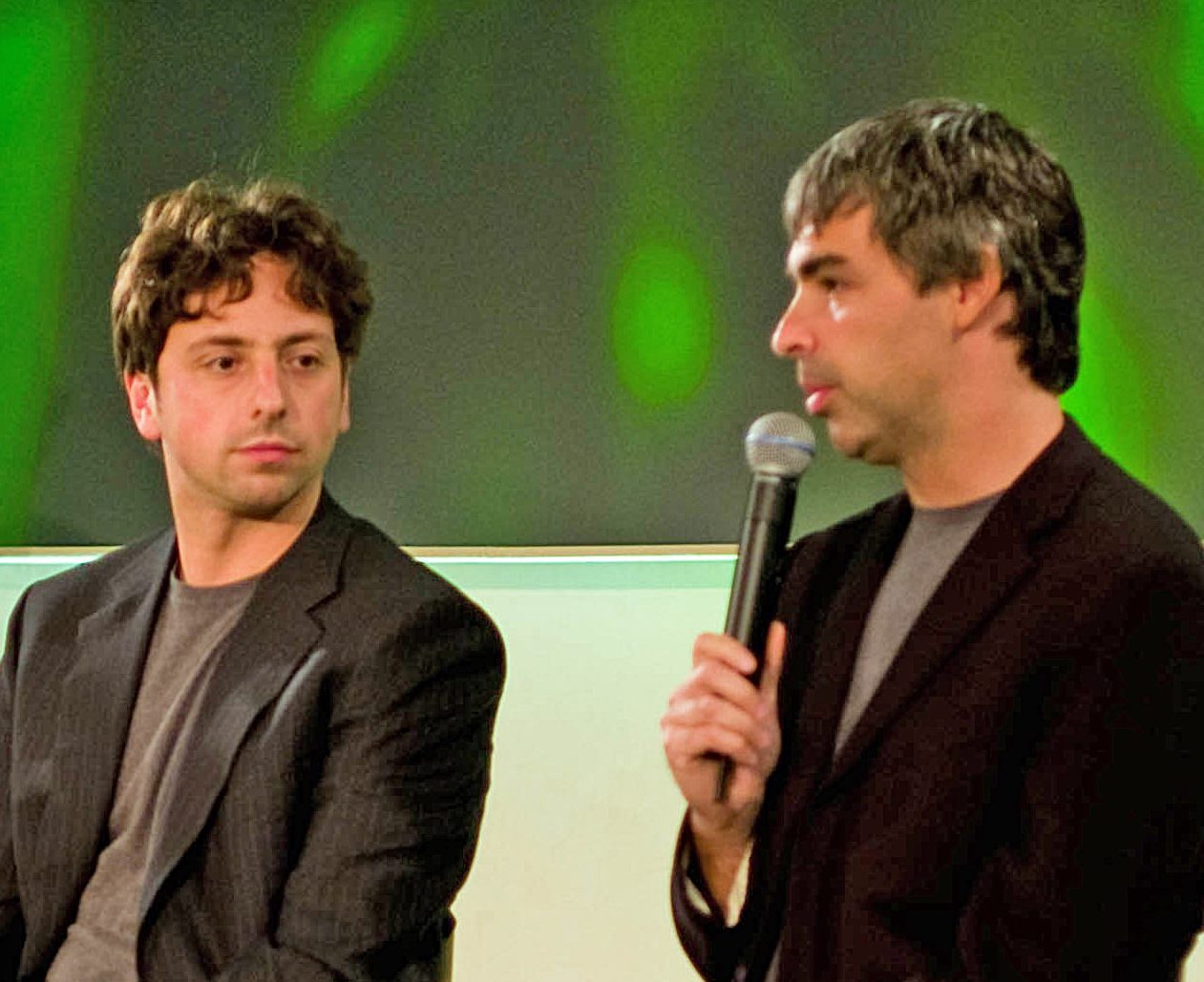
Most used in the world. Started by Larry Page and Sergey Brin.
Microsoft's search engine.
Began in 1994 as a web directory.
The main search engine in China.
Known for privacy: it says it does not track users.
Not search engines: "Page" (just a web document), Cisco (a networking company), Safari (a browser), MS-Word.
A web directory is a list of websites sorted by people into subjects, like Arts, Sports or Science. You click down the categories instead of typing a query. Yahoo! started this way. Bing has always been a crawler-based search engine.
| Type this in Google | Result |
|---|---|
| "Punjab Police" (double quotes) | Only pages with this exact phrase |
| jobs OR exams | Pages with either word |
| jaguar -car (minus sign) | Leaves out pages with "car" |
| site:gov.in | Results from that site or domain only |
Talking online: instant messaging, VoIP and Google tools
Chat, calls, cloud and good manners online.
Presence is the IM feature that shows whether a friend or co-worker is online right now: available, away, busy or offline. The small green dot next to a name is presence.
- Too many notifications break your focus
- Short messages; poor for long or formal writing
- Not higher cost: it uses your existing internet
- Voice over Internet Protocol
- Calls over the internet, free or very cheap
- Pager, fax and SMS are not VoIP
High-quality video meetings.
Google's personal video and VoIP calling app. It was later merged into Google Meet.
A suite (group) of apps: Gmail, Drive, Docs, Sheets, Meet and more. Earlier called G Suite.
FaceTime is Apple's. WhatsApp and Messenger belong to Meta.
Google Lens reads images, Google Drive stores files, and Google Classroom runs online classes.
| Way to connect | How it works |
|---|---|
| Dial-up | A modem dials over a standard telephone line. Slow, up to about 56 kbps. The phone is busy while online. |
| DSL | Digital Subscriber Line: faster, also on the phone wire, and the phone stays free |
| 3G / 4G / 5G | Mobile data from phone towers |
| Satellite | Signal from a satellite to a dish |
Amazon's cloud.
Microsoft's cloud.
Google's cloud.
Cloud = renting computing power and storage over the internet. "Virtual Cloud Service" is a made-up name, not a company.
Net + etiquette. The rules for behaving correctly online: be polite, do not type in ALL CAPITALS (it reads as shouting), respect privacy and do not spam.
Quick revision
Full forms, traps and one-line facts.
- WWW
- World Wide Web
- URL
- Uniform Resource Locator
- HTTP
- Hyper Text Transfer Protocol
- HTTPS
- Hyper Text Transfer Protocol Secure
- HTML
- HyperText Markup Language
- DNS
- Domain Name System
- ISP
- Internet Service Provider
- NCSA
- National Center for Supercomputing Applications
- VoIP
- Voice over Internet Protocol
- IM
- Instant Messaging
- MMS
- Multimedia Messaging Service
- SMS
- Short Message Service
- DSL
- Digital Subscriber Line
- TLD
- Top-Level Domain
- Internet ≠ WWW. The web is a service that runs on the internet.
- Crawler vs index: the crawler is the program; the index is the database.
- Bookmark vs history: you choose bookmarks; history is saved automatically.
- Web page vs website: one document vs a collection of pages.
- Mosaic vs Netscape: Mosaic came first, from NCSA.
- Dial-up vs DSL: both use the phone wire, but only dial-up keeps the phone busy.
Also asked onceTap to open
- Netscape Navigator is a web browser.
- Firefox is the browser of the Mozilla Foundation (first released in 2004; new versions come out every year).
- Safari is Apple's own browser and the natural choice on macOS.
- Match: web browser → Mosaic; domain name → .org; web page → a single hypertext document; web page address → URL.
- To find material for a project (say, on the Greenhouse Effect), use a search engine, not MS-Word, MS-Excel or the operating system.
- If asked what the process of indexing web content is called, the paper's answer was web crawler (not SEO, web mining or meta search engine).
- MMS = Multimedia Messaging Service: pictures, audio and video by phone message. SMS is plain text.
- Instant messaging = sending messages in real time through an online messaging platform (not by post, and not only on social media).
You type www.punjabpolice.gov.in and press Enter. Write the four steps until the page appears.
Show answer
1. The browser reads the URL. 2. DNS turns the domain name into an IP address. 3. The browser sends an HTTP(S) request to the web server. 4. The server sends the page and the browser shows it.